Update New Genius
- Plug the new genius into AC power. Then plug the new genius into your computer.
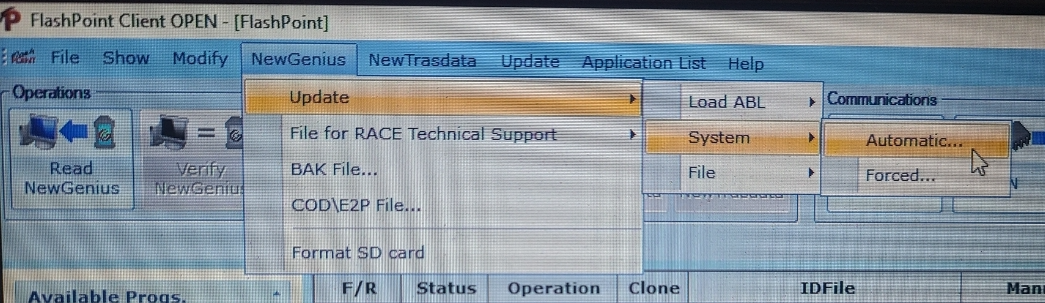
- Open FlashPoint. Select NewGenius on the menu bar. Then hover your mouse over system and select automatic.
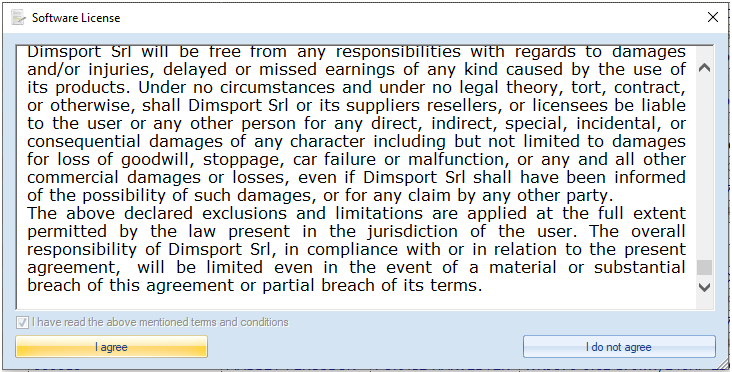
- Check the box and click on I agree to the software licencing.
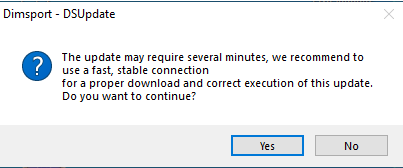
- Click yes on the DSupdate
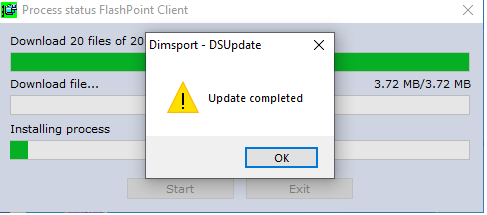
- The new genius is now updating. Please don’t touch anything. Everything is automatic. The new Genius will update all its software components.
- Update is completed. Once you hit ok a new letter from dimsport will open. This goes over new updates that have been applied.
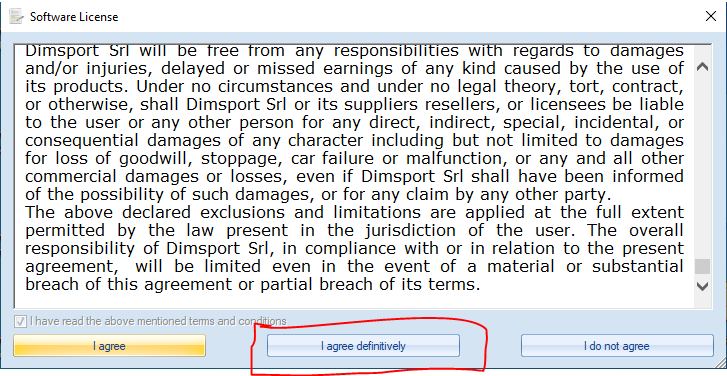
- Open flashpoint back up. The software license will popup. Select I agree definitively.
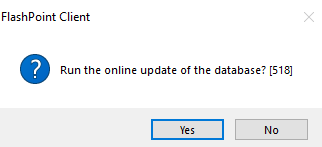
- You may get a “run the online update of the database.” Select yes to this. This will import all the new ECU protocols.
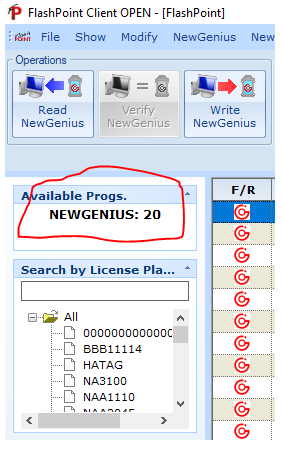
- Once the database updater is completed you will see “New Genius 20” on the left hand side. Dimsport allows you to use the tools 20 times before they force you to update. Note If the new genius has sat for a while the time can get out of sync. This will cause the new genius to sit on a white screen when trying to read the ecu. I will update my new genius the night before I go out if it has been sitting over a week.
Was this article helpful?
That’s Great!
Thank you for your feedback
Sorry! We couldn't be helpful
Thank you for your feedback
Feedback sent
We appreciate your effort and will try to fix the article